
You’ve probably seen random short link pops up on WhatsApp, in your email, or while scrolling social media. These attention-grabbing links look neat and harmless, but you've no clue where they may take you. Short URLs are everywhere these days, from Twitter posts to marketing campaigns, and they really do make bulky links easier to share and track.
But how can you actually trust them? At Bitsy, we treasure our clients and their customers too, and that's why we'd like to explain why businesses and influencers use short links to begin with and the potential risks with short URLs. We're here to share simple, practical tips that'll help you stay safe before you click a shortened link.
What Are Short URLs and Why Do People Use Them?
Short URLs are basically shorter versions of long web links that redirect you to the original page. Instead of sharing a messy, super-long URL, you get a neat, compact link that’s easier to handle and that's exactly why people love using them. They look cleaner, are much easier to share (especially on platforms with character limits), and are super handy in SMS or quick messages. Marketers also use short URLs to track clicks and measure basic data to see how well their campaigns are performing. You’ll often spot itsy-bitsy URLs in social media posts, promotional ads, or even text messages from brands.
Are Short URLs Safe? The Short Answer
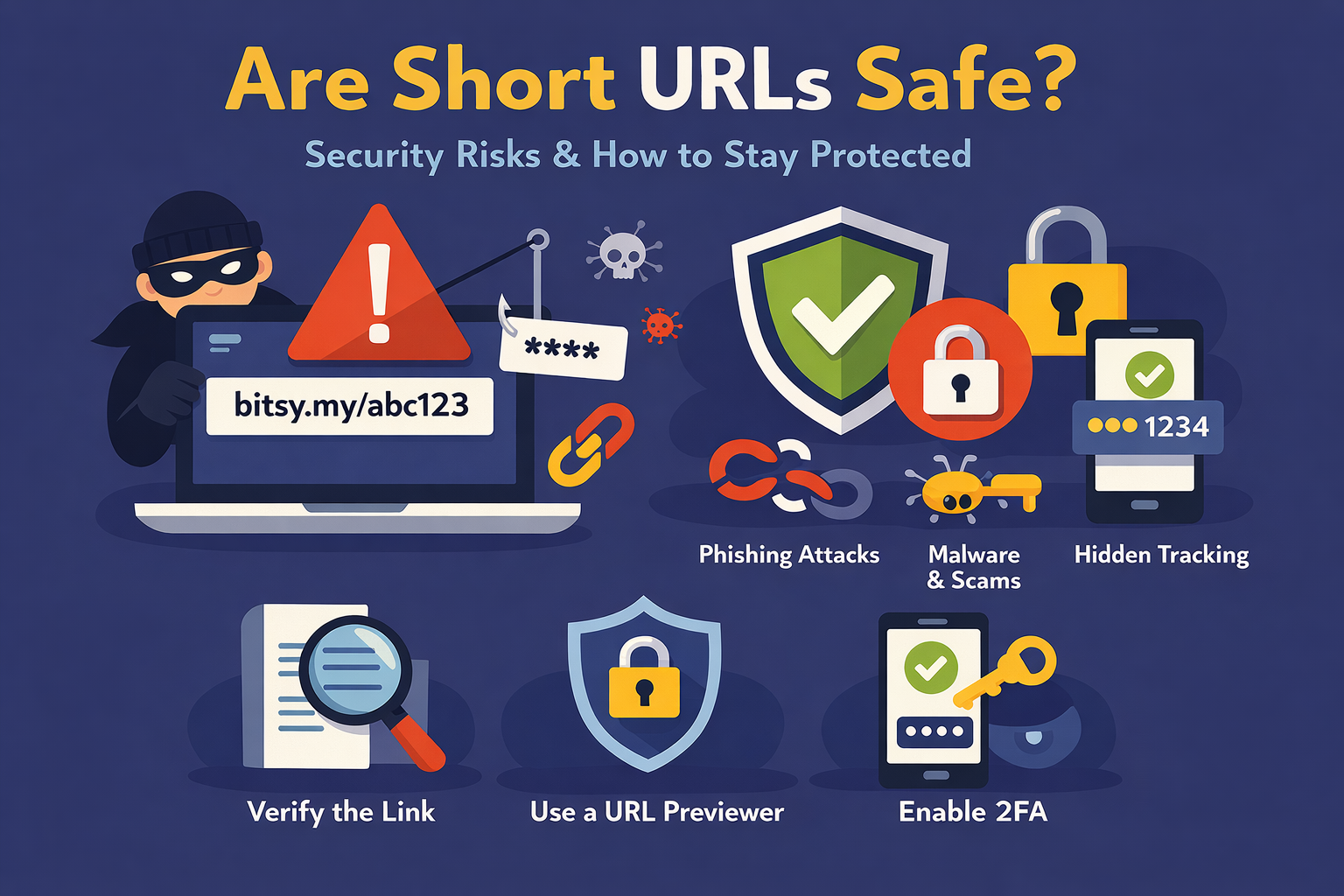
Short URLs are perfectly safe, but there's no denying that they can be misused. Since shortened links mask the actual destination, you can’t tell where you’ll end up before clicking. This makes it easier for scammers to disguise harmful links as something harmless or even trustworthy. In other words, the risk isn’t the short URL itself, but it’s what’s behind it. Thankfully, there are steps to keep users safe, and that’s exactly why understanding the risks (and how to spot them) really matters.
How to Check if a Short URL Is Safe
Before you click on any short URL, it’s worth taking a quick moment to check if it’s safe. Since tiny links mask their final destination, a little caution can go a long way. The good news? There are a few simple ways to verify them and avoid potential risks.
Check for a Clear Title
A safe short URL often gives a hint about the subject and where it’ll take you. Look for recognizable words in the link, like `bitsy.my/summer-sale-2026` or `bitsy.my/blog-tips-guide`. For example, a link like `bitsy.my/ricardos-menu` clearly points to a seasonal sale, which feels legitimate. If the URL is just a random jumble of letters and numbers with no context, it’s harder to trust. A clear, descriptive title can help you feel more confident before clicking.
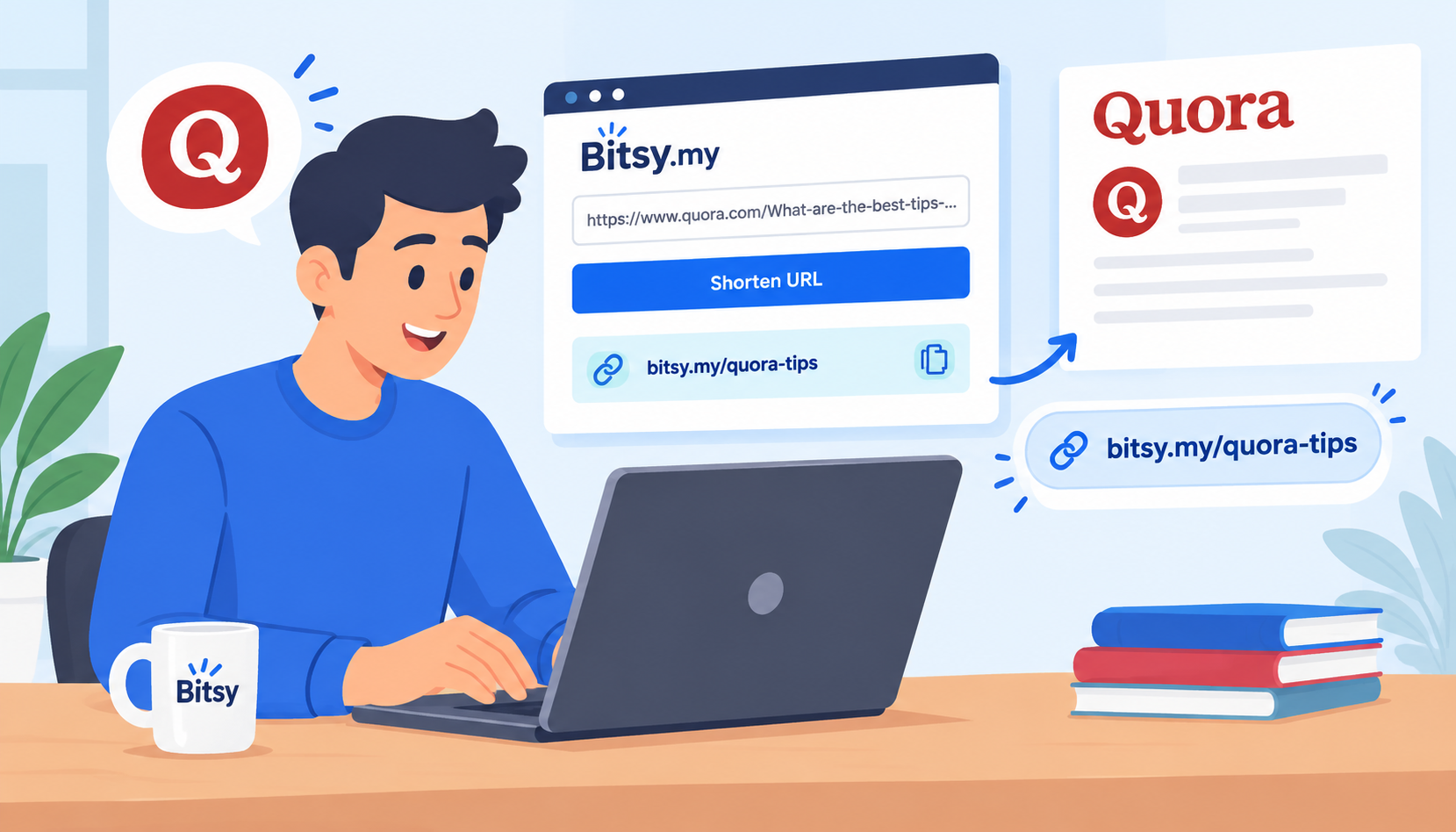
Customize your short URL at Bitsy to whatever you want. Click the 'Advanced' button, enter your preferred words, and hit the 'Shorten' button for your customized link.
Safe to Trust Short Links from Brands You Know
A simple rule of thumb: if the short link comes from a brand or person, you already trust, it’s generally safe to click. Well-known companies regularly use Bitsy short URLs for marketing campaigns, updates, or customer communication, and they actively monitor them for misuse. Still, take a second to check the context, does the message feel genuine? If something seems off, it’s better to play it safe and avoid clicking.
Preview the Link
Inspect a short URL and try previewing where it actually leads. Many link shorteners let you do this by adding a “+” at the end of the URL (for some services) or by using an online URL expander tool. On desktop, you can also hover over links (when available) or copy-paste them into a preview tool. On mobile, simply long-press the link to see more options or paste it into a link checker app. It’s a quick step that can save you from landing somewhere risky.
Look for Context
Before clicking a short URL, pause and think about the context. Who sent it to you? Is it from a brand you follow or a random, unknown company you've never heard of or dealt with? Does the message make sense, or is it vague, urgent, or too good to be true? Scammers often rely on curiosity or panic to get clicks. If something feels off, confusing, or unexpected, it’s better to double-check or ignore the link. Context can be your first line of defence.
Use Security Tools
If ever in doubt, use browser security extensions to scan links and check if the links are suspicious or risky before you click them. Similarly, a good antivirus program can block harmful websites or flag risky downloads in real time. These tools work quietly in the background but and an extra layer of protection.
Check for HTTPS and Domain Clues
Once you expand a short URL, take a quick look at the link in the address bar. Does it start with https://? If so, then it’s a good sign that the link’s secure. Also, check the domain name, that it matches the official website you expect? Small misspellings or weird variations are certainly a red flag.
Tips to Stay Safe When Clicking Short Links
Your shared links aren’t going anywhere, so don't be too quick to click them. Instead take your time and employ these simple habits to avoid clicking risky or spammy short links. Here are some easy, practical tips to stay safe when clicking short URLs.
- Avoid links in descriptions that create urgency or panic (eg: Don't miss out on this amazing opportunity! or Click this link now!)
- Don’t click links from unknown senders
- Hover or preview before clicking
- Use a URL expander tool if possible
- Keep your browser and antivirus updated
- When in doubt, don’t click. Search manually instead
Are Short URLs Ever Safe?
With thousands of businesses sharing short URLs as part of their ad campaigns and social media marketing, it quite possible to miss out on some great offers just because you're unsure of the link in the description. Here are some ways to quickly identify if a link is safe or not.
Short URLs can absolutely be safe if they come from identifiable sources you trust like well-known brands, official websites, or people you know.
Link-shortening platforms like Bitsy actively monitors and removes abusive or malicious links, which adds an extra layer of protection.
However, it’s still smart to be alert and cautious with links. Even trusted-looking messages can sometimes be compromised, so a quick check before clicking never hurts.
In Conclusion: Stay Curious, Stay Careful
Short URLs are a normal part of how we share links online today, and they’re perfectly safe as long as they're from a brand you trust and know. It's still always important to be alert with every short link that you come across. Take a moment to check the link before and after you click, because a little caution can go a long way in avoiding scams or unwanted surprises. By using the tips mentioned on this page, you can browse confidently without second-guessing links. At the end of the day, the best rule to keep in mind is: Think before you click.