
People and businesses share links everywhere, for example, social media, emails, ads, maybe even WhatsApp. But here’s the real question: do you actually know what happens after someone clicks them? Well most people don’t.
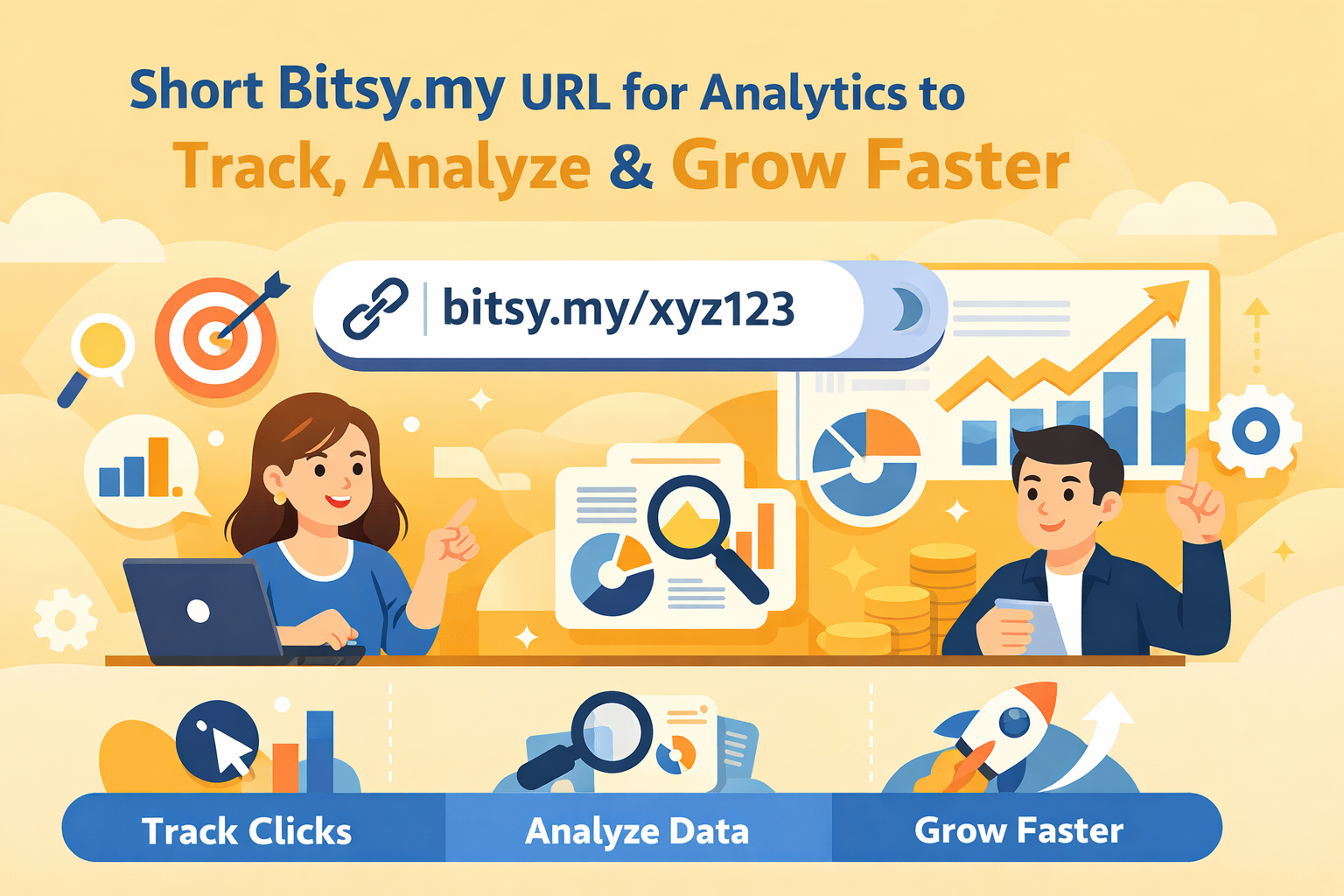
That’s where short URL analytics comes in. It’s not just about making links look clean, it’s about turning every click into real, actionable data you can use to grow faster. On this page, we'll walk you through on exactly how to track, analyze, and use short URL analytics.
What Is Short URL Analytics And Why It Matters?
Short URLs are just a bite-sized version of a long link. They're also equipped with a concealed tracking code which allows you to view see how many people clicked your link, where they came from, what device they used and more. You can then view this data, analyze it, and create suitable campaigns in the future that let you target customers.
Key Metrics You Can Track with Short URL Analytics
Click-Through Rate (CTR): This is the number of clicks your link garnered from the time you shared it with your friends, customers, etc. The CTR lets you gauge the type of content that followers/customers like, allowing you to focus on more content like this.
Geographic Data: This shows where your clicks originated from. The data includes the country name and city, and nothing more that infringe the privacy of users. With this data, you have the option to add content that caters to customers/followers from these regions.
Device & Platform Insights: This parameter lets you see the different devices the link was clicked from along with the type of web browser accessed the link.
Language: With this option, you can take a look at the preferred language option in which the user views their content. Depending on this information, you may choose to localize your accordingly.
How to Set Up Short URL Analytics - A Step-by-Step Guide
At Bitsy, all URLs are equipped with tracking features, which can be used for short URL analytics. This is available free of cost and you'd just need to signup to keep a track of your short links. Follow these quick steps to get it done.
Step 1 – Signup with Bitsy
Join Bitsy by creating a free account. Your free account let's you track every clicks from any device, anywhere in the world. It also offers updated analytics, create custom short links, and offer dashboard reporting.
Step 2 – Create Your Trackable Short Link
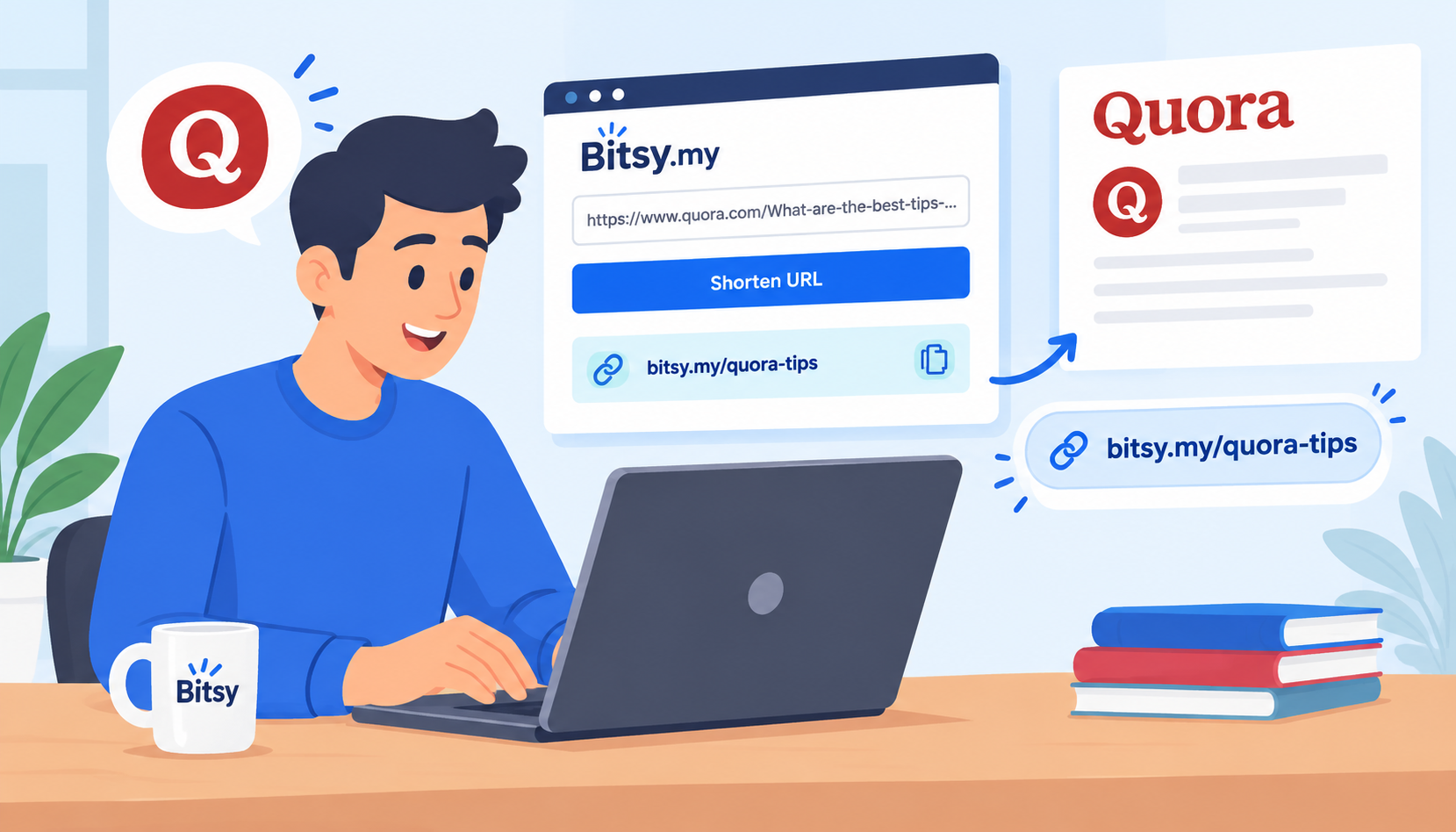
Paste your long URL and hit the "Shorten" button to generate your Bitsy short URL.
Pro tip:
You can customize this if you like by clicking the "Advanced" button, e.g., /summer-sale instead of random characters. This makes links more trustworthy and receive higher clicks.
Step 3 – Share Across Channels
Send your short URL to everyone through social media posts, email campaigns, ads, and bio pages. Remember, the more places you use it, the more data you collect.
Step 4 – Monitor the Analytics Dashboard
Sign into your account to check your data regularly. Ideally, you can check daily for active campaigns and weekly for long-term insights to look for patterns.
How to Analyze Short URL Data Like a Pro
Analyzing short URL data is simple and all you really need to do is just look for patterns. Here are some common tips you can start off with:
Launch campaigns separately
Check which campaign's links get the most clicks, so you can see which one is doing better.
Follow the traffic
This will help you understand what your viewers engage with and on which platform.
With these simple beginners tips, you can turn raw data into insights. Focus more on the platform or post performs better. If something flops, tweak it.
Let's say you share two short links, one on Instagram and one in your email newsletter. After a few days, you check Bitsy analytics and you see that your short link on Instagram got 500 clicks, but on email it only got 120 clicks. This tells you your audience is more active on Instagram. Next move? Post more there and tweak your email CTA.
It's quite simple, just follow the clicks, adjust, repeat, and let the real data guide your next move.
5 Smart Ways to Grow Faster Using Short URL Analytics
If you’re already using a link shortener, you’re sitting on valuable data. Just a few simple tweaks like the ones mentioned below can help you grow faster using short URL analytics.
1. Optimize Your Content Strategy
Start by checking which links get the most clicks, because those topics are your way forward. Start by creating more content around them and notice what headlines or captions worked, so you can reuse that style. If something isn't work as you'd like it to, then tweak the angle or timing and re-post.
2. Improve Your Call-to-Actions
Small wording changes even in a call-to-action can make a big difference. Avoid generic CTAs like “click here," etc. and try something specific and benefit-driven like “Get your free guide” or “See results now.” Use Bitsy short URL analytics to compare which CTAs get more clicks, then stick with what works.
3. A/B Test Different Links
With the free Bitsy URL shortener, you can create multiple short links for the same page and change things like the caption, headline, or timing of the post. Then go through Bitsy analytics to see which one gets more clicks. Keep the winner, tweak the loser, and test again. It’s an easy way to figure out what actually works.
Common Mistakes to Avoid
It’s easy to use short URL analytics, but it’s just as easy to mess it up if you’re making these mistakes.
1. Ignoring the Data
A lot of people create short links and never check or don't understand the analytics. If you’re not reviewing clicks, sources, and trends, you’re basically guessing your way through. Make it a habit to check performance regularly and adjust your strategy based on what you see.
2. Not Testing Different Variations
Using just one link and hoping it works isn’t enough. Try different captions, platforms, or posting times with separate short URLs. This gives you real comparisons. Without testing, you’ll never know what actually drives more clicks.
3. Using Generic, Unoptimized Links
Plain links with random characters don’t inspire trust or clicks. Customize your short URLs and pair them with strong CTAs. A cleaner, more relevant link can improve engagement—and your analytics will clearly show the difference.
Best Tool for Short URL Analytics
Undoubtedly, Bitsy is by far one of the best tools for short URL analytics. This impressive application keeps every part of the process simple but powerful.
You can create free short custom links instantly, track clicks in real time, and see useful insights like location and device, all in one dashboard. It also offers additional services like QR codes and link-in-bio tools, custom splash pages, and much more, so you don't have to switch platforms. It’s perfect if you want clean links and clear data without over-complicating things.
Turn Every Click Into Growth
Short URL analytics isn’t just an add-on for shareable links anymore, it’s a vital element that shows you what’s working and what’s not. Instead of guessing, you get real data that you can use to improve your content, campaigns, and overall strategy. The key is to keep testing, learning, and optimizing as you go. Bitsy makes this easy by combining simple link shortening with powerful analytics, all in one place.