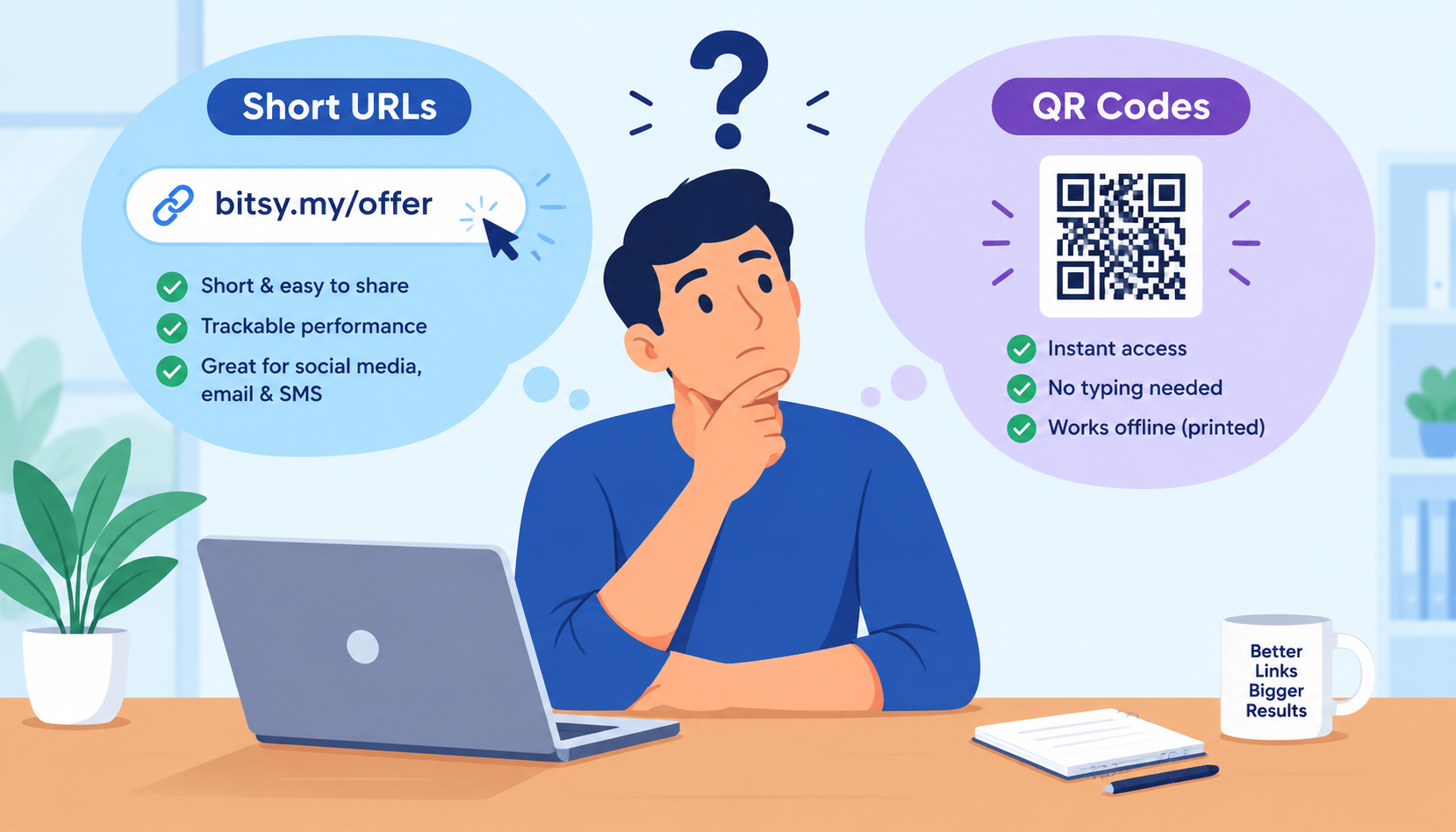


Ever wonder why grocery stores, cafes, restaurants, hospitals, and almost every business is switching to QR codes? Well it's because it's just so convenient. Let your users scan it with their phones and get all the information in seconds or make Google payments instantly. This guide covers everything from what a QR code is and how it works to how useful it is and how to make a free Bitsy QR code for a website link.
What is a QR Code & Why Use it for Website Links & more?
A QR code or Quick Response code is a two-dimensional design that can be scanned using a smartphone or QR scanner. It stores data like URLs, contact information, WiFi passwords, virtual business cards, or simple text messages. When scanned, it instantly directs the your customer or user to the landing page you want them to see. Unlike traditional barcodes, Bitsy QR codes can hold more information and are readable from any angle.
Why Use Bitsy QR codes?
QR codes offer a fast and convenient way to connect users to your digital content. Use QR codes to bridge the gap between offline and online experiences — making them ideal for marketing, business cards, restaurant menus, events, promotional offers, bills, and product packaging. Businesses use Bitsy QR codes to improve user engagement, track customer behavior, and simplify access to websites or downloads. With the growing use of smartphones, QR codes have become an essential tool for providing instant, contactless access to information, boosting both user experience and conversion rates.
How QR Codes Have Become Useful for Websites
Bitsy QR codes direct users to online content quickly and conveniently. By scanning a QR code, users can instantly access information on a website without any long, complicated URL, reducing time and improving user experience. They are especially beneficial in offline settings like posters, brochures, business cards, or packaging. With our dynamic Bitsy QR codes, website owners can track data like user's geo-location and device type. This is amazing for valuable insights for marketing and optimization strategies.
How does a URL QR code work?
Top businesses have quickly switched to QR codes to share important information with their customers and site visitors. This information is revealed when it is scanned using a smartphone camera app, which decodes the algorithms to reveal the stored information—such as a URL, text, or contact details. QR codes can hold much more data than traditional barcodes and work even if partially damaged, thanks to built-in redundancy and alignment patterns that aid accurate scanning.
Step-by-Step Guide to Turn Your Link Into a Bitsy QR Code
- Visit Bitsy and click on the Free QR Code Generator
- Paste your website or link
- Customize QR code colors and shapes (optional)
- Choose your download format (SVG, PNG, WEBP) and your done!
Why Use Bitsy's Free QR Code Service?
- No signup required
- Fast and user-friendly interface
- Safe and totally secure
- Supports 8 types of QR codes
- Free download of QR in 3 file formats
To do more with your QR code like dynamic tracking, sign-up and create your free account with Bitsy.my.
Are link QR codes free to create?
Yes, of course. Turn your link into a cool Bitsy QR code for free by visiting out site. Share this with customers or visitors and present to them promotional offer details and other information within seconds instead of a ugly, long URL.