

In a digital world where attention spans are short and first impressions matter, even something as small as a YouTube link can make a big difference. Whether you are a content creator, marketer, or business owner, shortening and customizing your YouTube URLs can significantly boost traffic, enhance branding, and streamline link sharing across multiple channels.
In this article, we explain how the Bitsy YouTube URL shortener can help increase engagement and trust, improve your analytics, and elevate your brand with Bitsy. We will also discuss core strategies, benefits, and best practices that apply regardless of which tool you use.
Why Shorten YouTube URLs?
YouTube URLs are long and often include random strings of characters that are not easy to remember, trust, or type. A typical link looks like this:
`https://www.youtube.com/watch?v=dQw4w9WgXcQ`
Now imagine sharing that link on social media, in your email newsletter, on a podcast, or in print. It’s not very user-friendly.
Here is what shortened URLs can do for you:
✅ Increase click-through rates
✅ Simplify sharing across platforms
✅ Make links more memorable and brand-aligned
✅ Track link performance with advanced analytics
✅ Build trust with your audience
The Power of Custom-Branded Short Links
One of the biggest advantages of the Bitsy URL shortener is the ability to also customize your shortened links. Instead of using a generic link, you can create a branded URL with a custom slug.
For example:
`yourbrand.com/next-video`
This small change can have a big impact on trust and engagement. Studies show that branded links receive up to 34% more clicks compared to non-branded or generic short links (https://pollthepeople.app/url-shorteners-beneficial-for-business-marketing/). Why? Because they look legitimate, are easier to remember, and build brand recognition over time.
How Customized YouTube Links Boost Traffic
Customized YouTube short links do more than just look good—they are a strategic marketing tool.
1. More Clicks Across Channels
A clean, branded link is more clickable on platforms like:
- Twitter/X, where character limits still matter
- Instagram bios or Stories
- YouTube video descriptions
- Podcast show notes
- Business cards, flyers, or QR codes
- SMS marketing and WhatsApp messages
2. Increased Trust & Credibility
When users see a branded or clean short link, they’re more likely to trust it. Generic links can look suspicious, especially when used in emails or ads.
3. Better User Experience
A simple and relevant link is easier to type or remember. This is crucial in offline settings like presentations, print ads, or public speaking.
Track and Optimize Performance With Link Analytics
Another major benefit of the Bitsy YouTube URL shortener is analytics. While YouTube offers some data via YouTube Studio, short link platforms can provide deeper, more granular insights.
Here’s what you can typically track:
📍 Geographic location of clicks
📱 Device type(mobile vs. desktop)
🌐 Referral source (where the click came from)
⏰ Time and date of each click
🧠 User behavior trends over time
These insights are incredibly valuable for content optimization and marketing strategies. For example:
- If most of your audience is clicking links from mobile devices, make sure your videos and landing pages are mobile-optimized.
- If a large percentage of traffic is coming from a certain country, consider adding subtitles in that language.
- If you notice spikes in clicks after specific promotions, replicate that strategy elsewhere.
Enhance Branding with Every Link
Branding doesn’t stop with your logo or color scheme—it extends to every interaction with your audience, including the links you share. Custom YouTube short links can help you:
- Reinforce brand identity in every video promotion
- Maintain consistency across platforms
- Increase brand recall through repetition
- Establish yourself as a professional and trustworthy creator or business
Over time, your audience will start recognizing your branded link format. That’s free branding every time your link is shared or reposted.
Optimize for Social Sharing
Social platforms often generate link previews when a URL is shared. Our advanced Bitsy link shortener for YouTube allows you to customize Open Graph (OG) data, which controls how your link appears on platforms like:
- Twitter/X
- Discord
- Slack
You can edit:
- The title
- Description
- Image thumbnail
This gives you more control over your first impression when someone shares your video, increasing the chances of clicks and engagement.
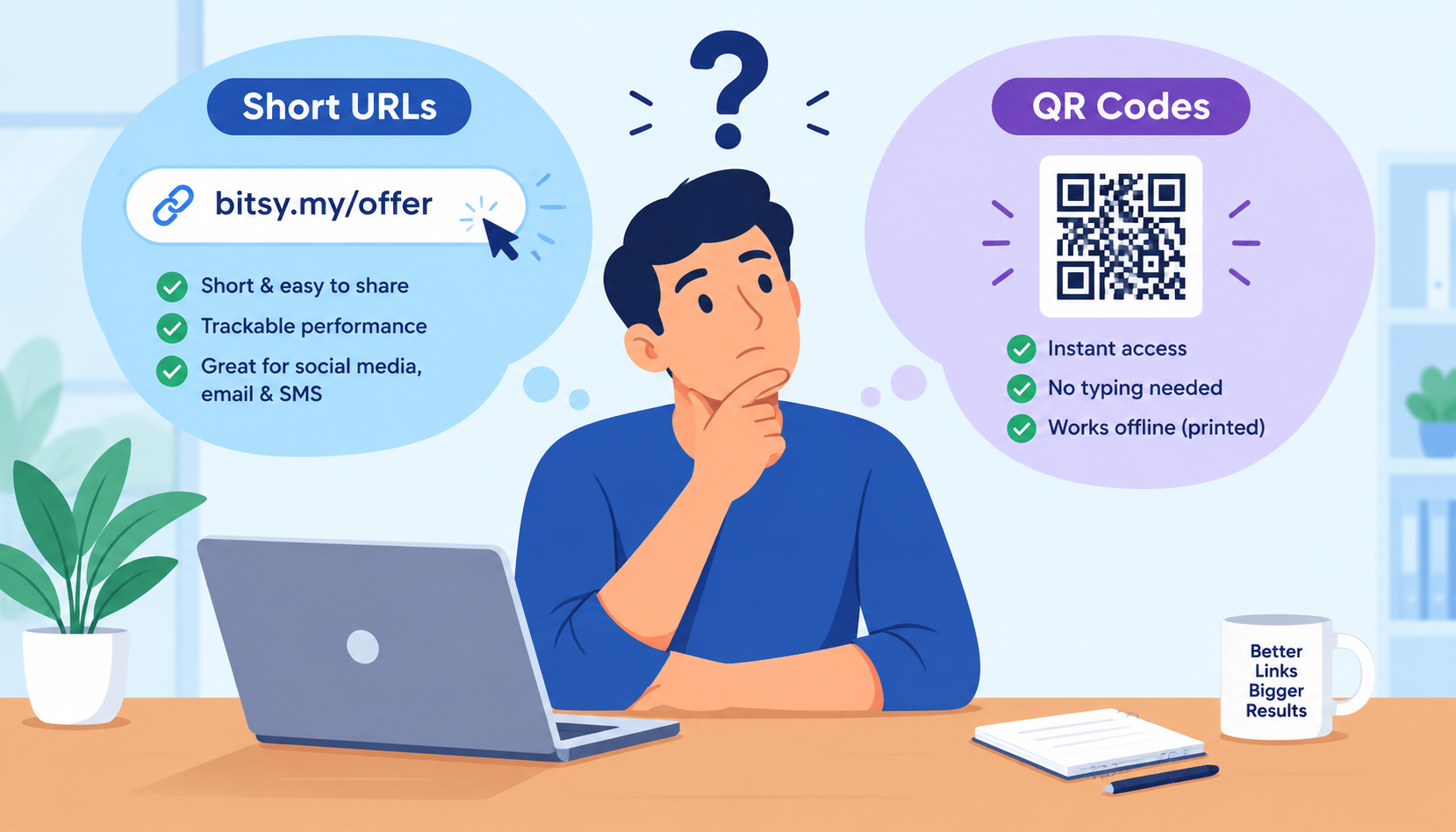
Improve Offline Engagement with QR Codes
Shortened YouTube links are ideal for offline marketing, especially when paired with QR codes. You can create a branded QR code that links directly to a YouTube video or playlist, then add it to:
- Product packaging
- Brochures and catalogs
- Event banners and signage
- Restaurant menus
- Print ads or direct mailers
This bridges the gap between the physical and digital worlds, allowing people to instantly access your content with a quick scan.
Use Redirects and Targeting for Smarter Links
Some short link tools offer advanced redirection and targeting features, allowing you to:
- Send mobile users to the YouTube app
- Redirect desktop users to your website or landing page
- Show different links based on country or language
- A/B test video thumbnails or CTAs
This level of control helps you deliver a more personalized experience to each segment of your audience, which can lead to higher engagement and better retention.
Best Practices for Shortening YouTube URLs
To get the most out of your YouTube short links, follow these proven tips:
✅ Customize the Slug
Always edit the slug (the part after the slash) to include relevant keywords, like:
`/product-demo`, `/fall-sale`, `/how-to-fix`
✅ Use Consistent Branding
If you’re using a custom domain, make sure your short links reflect your brand’s name or niche.
✅ Add UTM Parameters
Use UTM tracking codes to capture data in Google Analytics. This is crucial if you’re running campaigns on multiple platforms.
✅ Test Your Links
Before launching a campaign, click every link and test it across devices to ensure it works and redirects properly.
✅ Monitor & Iterate
Don’t just set it and forget it. Review analytics regularly to see what’s working and what needs adjusting.
Common Use Cases for YouTube Short Links
Still unsure where to apply these strategies? Here are some practical scenarios where customized YouTube short links shine:
Use Case | Short Link Example |
| Video Description CTA | `yourdomain.com/subscribe-now` |
| Email Newsletter | `yourdomain.com/new-video` |
| Instagram Bio | `yourdomain.com/watch-latest` |
| Podcast Mention | `yourdomain.com/tools-review` |
| Printed Business Card | `yourdomain.com/intro-video` |
| Live Event Presentation | QR code linking to `yourdomain.com/event-recap` |
Final Thoughts
Using a YouTube URL shortener isn’t just about aesthetics—it’s a smart, data-driven way to increase traffic, improve click-through rates, and enhance branding across all your content channels.
By shortening and customizing your links, you:
✅ Make your content easier to access and share
✅ Gain insights into your audience's behavior
✅ Present a more professional and trustworthy brand
✅ Take control over how your videos appear online
Whether you’re growing a personal channel or managing digital campaigns for a brand, custom short links are a low-effort, high-impact tool you shouldn’t overlook.
Ready to level up your YouTube marketing? Start shortening your links and take full control of how your content travels online.