
Sharing links on WhatsApp sounds simple until you paste a URL that takes up half the screen. Long links packed with random letters, numbers, codes, and symbols make useful message look cluttered. That’s where a URL shortener can make things much easier, especially when you regularly share short URL links on Whats App.
Use clean links to send a friend a blog post, promote a business page, or share a product with a group. Using Bitsy.my can help you turn lengthy URLs into compact links that are easier to copy, share, and remember on WhatsApp Messenger.
Why Long URLs Look So Cluttered on WhatsApp
Imagine sending a friend this:
https://example.com/blog/how-to-share-links-on-whatsapp?utm_source=whatsapp&utm_campaign=summer&utm_medium=social
It works, but it doesn’t exactly look neat. On WhatsApp, long URLs can take up several lines and distract from the actual message. A URL shortener gives you a simpler alternative by converting that lengthy address into a compact link.
For example, instead of sending a complicated address, you could share something like:
https://bitsy.my/check-this-out
These short URL links are much easier to read at a glance. With Bitsy, you can create a cleaner link and make your next WhatsApp Messenger conversation look less like a wall of text.
Turn Long Links Into Short, Clean URLs for WhatsApp
A URL shortener works by creating a shorter version of an existing web address. When someone clicks the new link, they’re redirected to the original destination. You don’t need to change the webpage itself; you’re simply giving people a more convenient URL to use.
This is particularly handy for WhatsApp because conversations move quickly. If you’re sharing several resources in one chat, using short business URL links can make each message easier to understand. Instead of asking someone to navigate through a huge URL, you can give them one simple link from Bitsy.
For example:
Before:
https://www.example.com/products/category/sale/summer-collection/product-name?ref=whatsapp2026
After:
https://bitsy.my/summer-collection-sale
The destination remains the same, but the message looks much cleaner.
Use Bitsy to Shorten Links in Seconds
If you regularly share links, Bitsy can become a useful part of your everyday workflow. Rather than manually cleaning up URLs or removing characters that might be unnecessary, you can use a URL shortener to create a compact version.
The entire process is quick and straightforward:
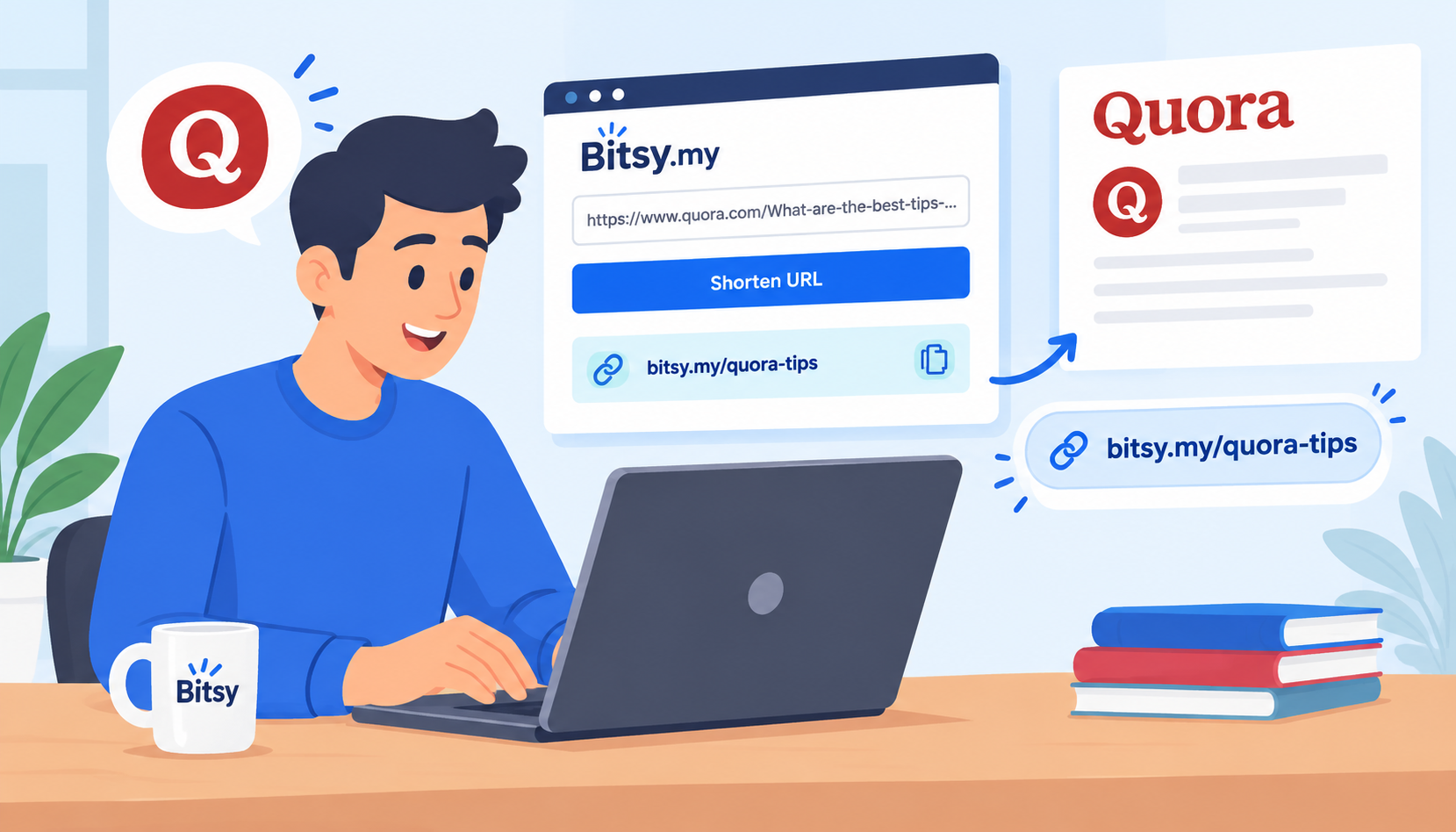
1. Paste your original URL at Bitsy.my
2. Click on 'Shorten'
3. Generate a short link.
4. Copy the link and send it on WhatsApp in seconds.
This is useful for everything from sharing articles with friends to sending customers a product page. And because short URL links take up less space, they’re especially convenient when you’re communicating through WhatsApp Messenger.
Add Context Before Sharing a Link
One small trick can make link sharing feel much more natural: don’t send a URL by itself. Add a short sentence explaining what the person is about to open.
Instead of:
https://bitsy.my/best-hotels-guide
Use:
“Here’s the guide I mentioned. This should help you get started: https://bitsy.my/best-hotels-guide”
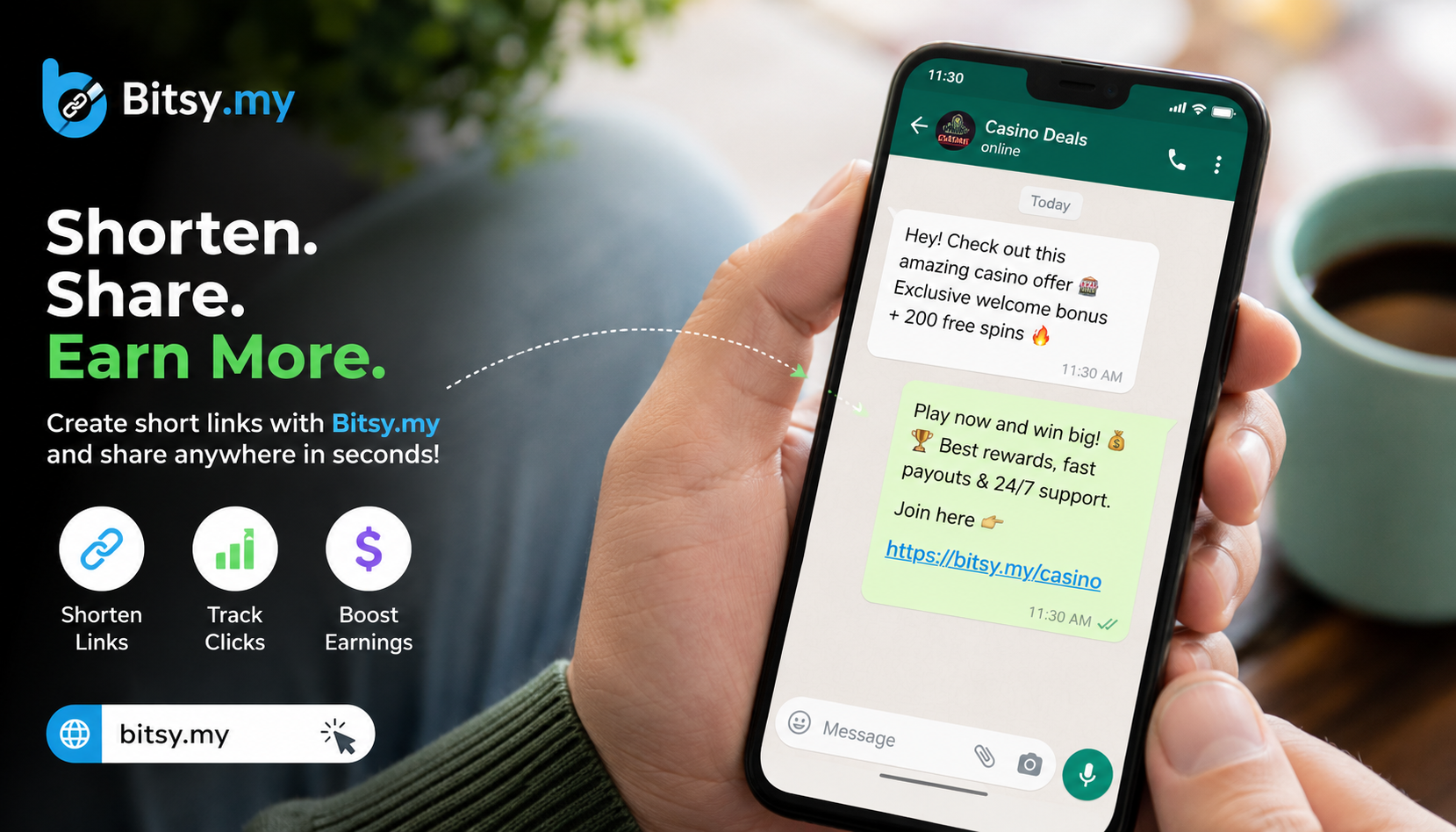
On Whats App, this simple introduction gives the recipient some context. A URL shortener helps keep the actual link tidy, while a short message tells people why they should click it.
For example, if you’re sharing an article, you could write:
“Found this really useful article on content marketing: https://bitsy.my/marketing-content”
Using short URL links alongside a natural message makes Bitsy a practical option for cleaner WhatsApp Messenger conversations.
Make Your WhatsApp Messages Easier to Scan
Most people don’t read every WhatsApp message word for word, especially in busy group chats. They scan for the important bits. That’s another reason a URL shortener can be useful.
A long URL can interrupt the flow of a message, particularly when it contains tracking parameters or a deep page path. A compact link is visually simpler and lets the main message stand out.
For example:
“Here’s the registration page: https://bitsy.my/register”, looks much easier to scan than a long web address followed by several paragraphs of text.
If you’re sharing multiple short URL links, consider putting each one on its own line. With Bitsy, you can keep your links compact while making your WhatsApp Web Messenger messages easier to follow.
When to Use a Short URL vs. the Full URL
Not every link needs shortening. If a URL is already short, recognizable, and easy to understand, there may be no reason to change it. But if you’re dealing with a long ecommerce URL, campaign link, blog address, or tracking-heavy URL, a link shortener will be helpful.
On WhatsApp, the choice often comes down to readability. A short link is especially useful when you’re sharing something in a group, sending promotional content, or fitting a link into a concise message.
For example:
Simple:
https://example.com/about
Better candidate for shortening:
https://example.com/store/category/shoes/running-shoes/product-name?campaign=summer-sale&utm_source=whatsapp
Creating short URL links with Bitsy can make the second example much easier to share through Whats App Messenger.
Tips for Sharing Links in Groups and Broadcasts
Group chats are one of the places where clean links can make the biggest difference. Messages can quickly become crowded, and a huge URL may get lost between replies. A URL shortener gives you a more compact format that’s easier for people to spot.
Before posting on WhatsApp, consider adding a quick description, such as:
“New blog post: 5 easy ways to improve your website 👇
https://bitsy.my/website-improvement”
For business or promotional messages, keep the introduction useful rather than overly sales-focused. People are more likely to engage when they understand what the link contains.
You can also reuse relevant short URL links across your communication channels. Whether you’re sharing them through Bitsy, email, or WhatsApp Messenger, consistency can make your links easier to manage.
Keep Your Links Clear, Trustworthy, and Clickable
While short links are convenient and secure, remember that people still want to know where a link is taking them. A URL shortener should make sharing easier, not make your messages feel mysterious.
That’s why context matters. Instead of simply posting:
https://bitsy.my/dating-event
say:
“Here’s the link to tomorrow's rally details page: https://bitsy.my/rally”
The recipient now knows what to expect before clicking.
This is particularly important on Whats App, where people may be cautious about unfamiliar links. Pairing short URL links with a clear description helps create a more transparent experience. Using Bitsy for clean links and adding useful context can make WhatsApp Messenger communication both tidier and more user-friendly.
A Simple Way to Share Better-Looking Links on WhatsApp
You don’t need to completely change how you communicate to make your links look better. Start by identifying the URLs you share most often. If they’re long, complicated, or filled with tracking parameters, run them through a link shortener before sending them.
For everyday Whats App conversations, this small change can make a noticeable difference. A compact link takes up less space, looks cleaner, and is easier to include alongside a short explanation.
For example:
“Here’s the full guide we discussed:
https://bitsy.my/guide”
That’s all it takes.
With Bitsy, creating short URL links can be a quick step between copying a webpage and sending it. The next time you’re about to paste a massive URL into WhatsApp Messenger, take a second to shorten it first. Your messages will look cleaner, your links will be easier to share, and your recipients won’t have to scroll past a URL that seems longer than the message itself.